Learn Arabesque and remember it.
Can you read sheet music and have a digital piano? Clef checks your notes as you play, tracks what you remember, and shows you what to practice next.


No credit card required
Listen to it played
Is Arabesque right for your level?
This piece is rated beginner friendly. Pay particular attention to keeping the fast right-hand figure even while the left hand takes over the tune.
If you can read treble and bass clef slowly, you can start this piece today. Clef never advances until you play the right note, so slow is fine, and it can print every sharp and flat directly on the note if you want it to.
- Easier than
- 5 Lieder — WiegenliedCanon in D
- Harder than
- Minuet in G majorMinuet in G minor
How you’ll learn it
01
The score answers you
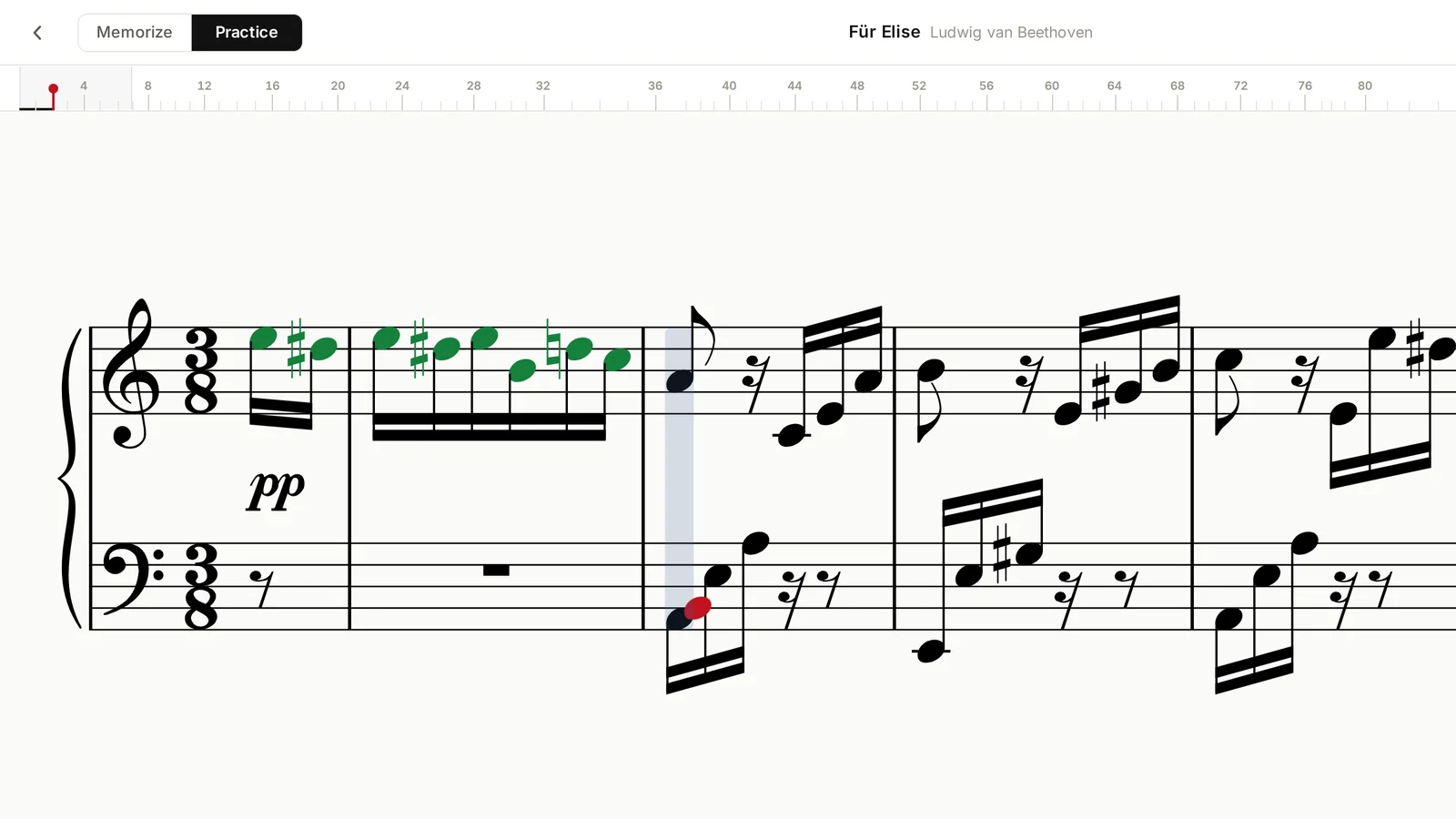
Play Arabesque from the real engraving. Right notes turn green under your fingers; a wrong one is flagged red where you played it. Nothing advances until the bar is right, so there is no way to practice a mistake without noticing.
02
Then you learn it by heart
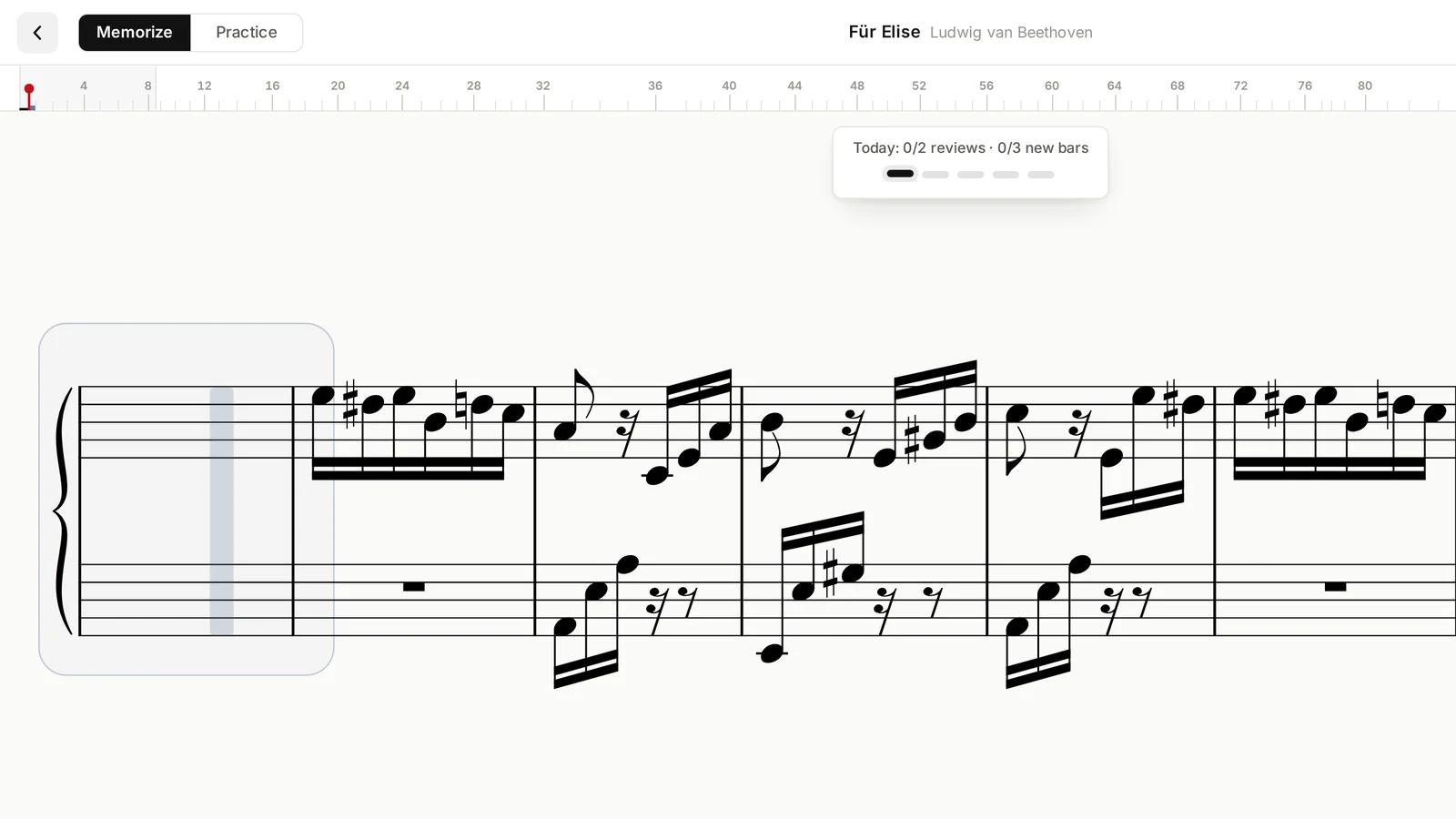
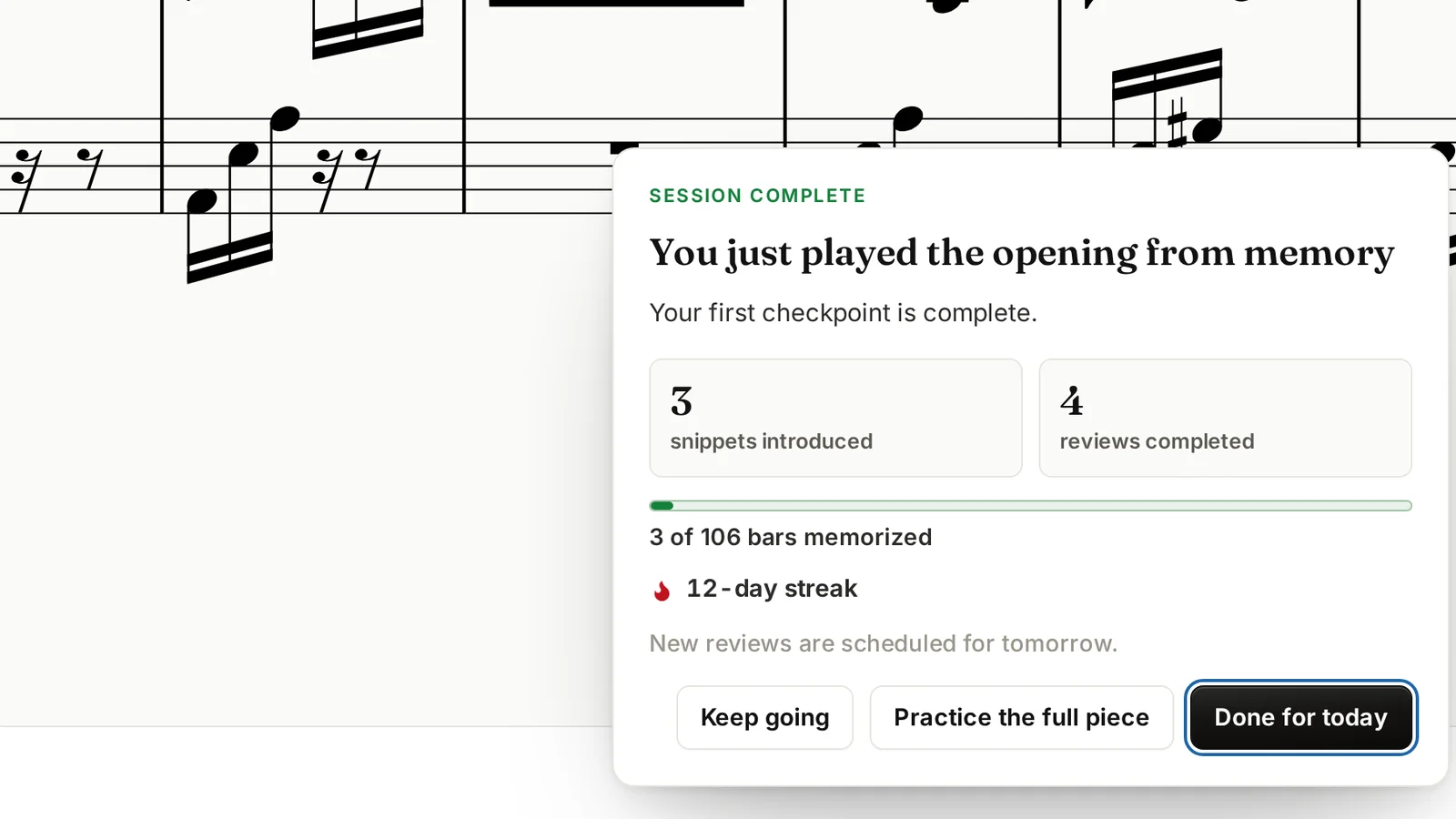
Switch to memory work and memorize it one bar at a time. Each bar is a short from-memory challenge. Clef shows the bar before, hides the one you are learning, and waits.
03
Each bar comes back before it slips
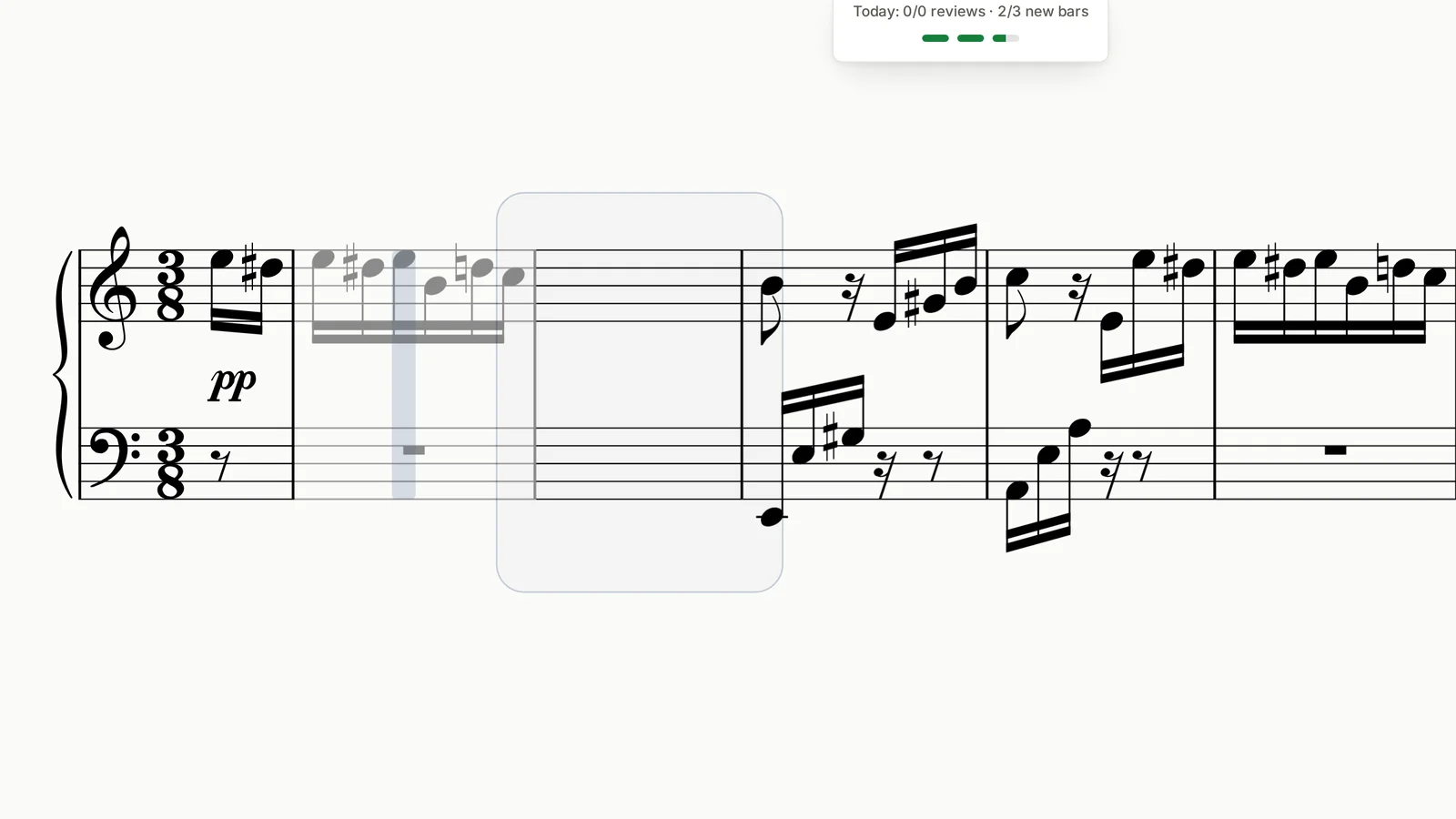
Every bar you have learned is scheduled to return just before you would have forgotten it. The bars you struggle to recall come round more often than the parts that stuck.
04
Checkpoint runs weld it together
Learning bars separately is not the same as playing the piece. Clef first checks short groups from memory, then joins neighboring groups into progressively longer runs until the whole section connects.
What you need
- A digital piano or keyboard.
- Either a phone, tablet or a laptop.
- A cable that connects your piano to your device (usually the same kind a printer uses).
- Optional: If you want to practice on a phone or a tablet, you might need an USB-C adapter.
Questions about Arabesque
How hard is Arabesque?
This piece is rated beginner friendly. Perfect if you are just starting out, learning basic notes, and getting used to playing with both hands. To give you an idea, it's harder than Minuet in G major, but a bit easier than 5 Lieder — Wiegenlied.
Can I learn Arabesque as a beginner?
Yes. This is one of the gentlest pieces in the catalog. If you can find your way around both clefs slowly, you can start it today. Clef waits for the right note rather than running ahead of you.
Do I need to read sheet music?
Slow reading is enough. Clef puts the real engraved score on screen and never advances until you play the right notes, so you can work out a bar at your own pace. Because it is real notation rather than falling bars, the reading you build here transfers straight to paper.
Learn Arabesque and still remember it a month from now.
Start today, and let the reviews keep it. The keyboard you already own does the listening.
Start playing freeNo credit card required